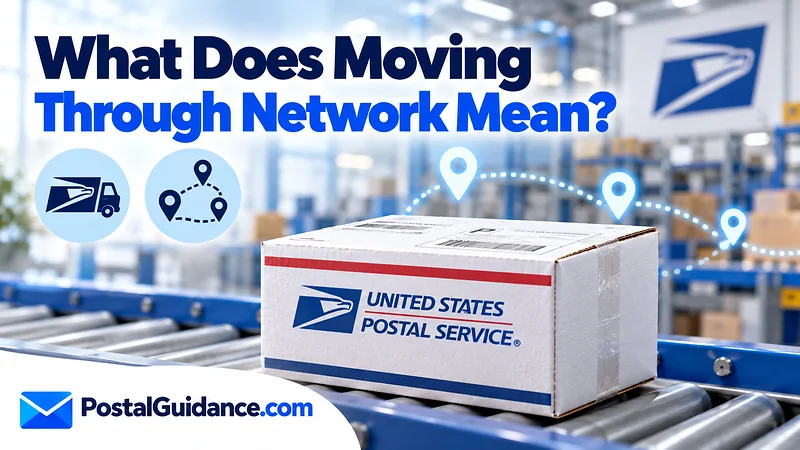
What does moving through network mean USPS? It means your package is inside the USPS system between scans, usually on a truck, a plane or a conveyor, and it is not a problem by itself. No facility has scanned it recently, so the tracking page has no new place to show.
The wording is a category, not a specific scan event. On the USPS help page for locating a package, Moving Through Network is the heading that groups four statuses: In Transit, Arrived at USPS Facility, Departed USPS Facility and Forwarded. It is the status people see most often on days when nothing seems to happen, so it causes more worry than it deserves.
What does moving through network mean USPS tracking shows?
A package is only scanned at certain points. Those include acceptance, arrival at a facility, departure from a facility and the final delivery steps. Between those points the package is being carried, sorted or waiting in a container.
USPS describes In Transit as a package that is being processed or transported to your delivering Post Office, and files it under the Moving Through Network heading with the facility arrival and departure scans. You do not need to do anything while it shows.
Some people also see the spelling “moving thru network.” It is the same message with a shorter word.
Moving through network versus other tracking statuses
Many statuses sound alike but mean different things. This table separates the ones people confuse most.
| Status | What it means | Action |
|---|---|---|
| Moving Through Network | The package is in the USPS system between scans | Wait and check daily |
| In Transit, Arriving On Time | The package is moving and the delivery estimate has not slipped | Wait |
| Arrived at USPS Facility | A facility scanned the package on arrival | Wait |
| Departed USPS Facility | The package left a facility for the next stop | Wait |
| Forwarded | The package was redirected to a different address | Check the address on file |
| Arrived at Post Office | At the local office, being prepared for delivery | Contact USPS if unchanged after 1 full business day |
| Alert | A delay may have happened, often from weather or a disaster | Check USPS Service Alerts |
| Out for Delivery | The carrier has the package today | Contact USPS if nothing arrives after 1 full postal business day |
For the arrival estimate wording, see what In Transit, Arriving On Time means.
For the facility handoff message, read the guide to In Transit to Next Facility.
How long can a package stay in this status?
USPS does not publish a fixed time limit for this status. The better test is whether the package is still inside its delivery window. Look at the mail class you paid for and compare it with the delivery standards.
The USPS delayed mail help page gives these standards by class.
| Mail class | USPS delivery standard |
|---|---|
| Priority Mail Express | 1 to 3 calendar days, guaranteed |
| Priority Mail | 2 to 3 business days, not guaranteed |
| First-Class Mail | 1 to 5 business days, not guaranteed |
| USPS Ground Advantage | 2 to 5 business days, not guaranteed |
| Parcel Select, Media Mail, Bound Printed Matter | 2 to 8 business days, not guaranteed |
| USPS Marketing Mail | 3 to 10 business days, not guaranteed |
Those are ranges, not promises, and Alaska, Hawaii and hazardous items can run slower on Ground Advantage. Business days exclude Sundays and holidays, so a weekend adds quiet days that do not count against the standard.
A package that was accepted on a Monday under Ground Advantage can show no new scan on Tuesday and Wednesday and still be on time. Long hauls cross the country by truck, so a quiet day or two is common.
Why does the status repeat every day?
The page can show the same message for several days because no new scan has replaced it. USPS also notes that the same facility may scan a package on different days during transit.
Two documented facts explain most repeats.
- USPS Tracking records scans only at certain points in the mailstream, so a package on a long truck or air leg produces nothing new until the next facility handles it.
- USPS says the same facility may scan a package on different days during transit, which can show as a repeated or apparently backwards entry.
Neither needs help from you. The next scan usually brings a normal status such as Arrived at Post Office or Out for Delivery.
When does moving through network signal a delay?
Treat what does moving through network mean USPS as a delay question only when the package is past the delivery standard for its class. Check the tracking page for an Alert status first.
An Alert can mean a weather event or another disruption. USPS keeps that information on its Service Alerts page.
Look at how far the package has gone too. A package that took an odd route may be on a detour, which is covered in why a package goes farther away.
Days with no scan at all are covered in the article on In Transit for days.
The one hard number USPS gives for lost items is 7 days. You can submit a Missing Mail search request from 7 days after the mailing date up to 365 days after it. USPS asks you to wait longer for two classes: 14 days or more for Registered Mail, and 14 days or more for Parcel Select, which is expected to take 8 days on its own.
A worked example with dates
Say a Ground Advantage package is accepted on a Monday. The listed range is 2 to 5 days, so the window runs from Wednesday to Saturday. The page shows Moving Through Network on Wednesday and Thursday.
That is still normal, because the package is inside its range. If it shows the same message on the following Tuesday, it is past the window and a service request is reasonable. If it is Priority Mail with a 2 to 3 day range, the same quiet stretch would be a concern a few days earlier.
Remember that the range counts from acceptance, not from the label creation date. A label printed on Friday and dropped off on Monday starts the clock on Monday, not on Friday.
What not to do while you wait
Do not file a Missing Mail request on day two. The request is only available starting 7 days from mailing, so an early attempt wastes your time.
Do not rely on one refresh to judge progress. Tracking pages update in batches, so check once or twice a day instead. Do not ship a replacement item right away unless the sender can cancel the first one.
If you are the buyer, ask the seller for the mailing date and mail class right away. Those two facts tell you which delivery range applies.
What to do if the status will not change
Follow these steps in order. They move from free and easy to formal.
- Compare the mail class and mailing date with the delivery standard. If the package is still inside the range, wait.
- Check the tracking page for an Alert and check Service Alerts for weather problems in the regions along the route.
- Estimate the arrival with the Delivery Time Estimator to see whether you are early to worry.
- Submit a service request on USPS.com with your tracking number if the package is past its window.
- Once 7 days have passed since mailing, submit a Missing Mail search request. Have the sender and recipient addresses, the container type, the tracking number, a content description and pictures ready.
If you are the sender, the receipt or the Click-N-Ship label receipt proves the mailing date. If the package had insurance, a claim must be filed no later than 60 days from the date of mailing. Priority Mail and Ground Advantage include $100 of insurance.
Normal versus when to worry
| Situation | Normal or worry |
|---|---|
| Same status for 1 to 2 days, inside the delivery range | Normal |
| Status says Alert | Check Service Alerts, then wait |
| Past the delivery range, no new scan | Submit a service request |
| 7 days or more since mailing, still no movement | File Missing Mail |
| Out for Delivery, nothing after 1 full postal business day | Contact USPS |
| Marked Delivered but nothing arrived | Search first, then see below |
A wrong Delivered scan is a separate problem. See what to do when USPS says delivered but no package.
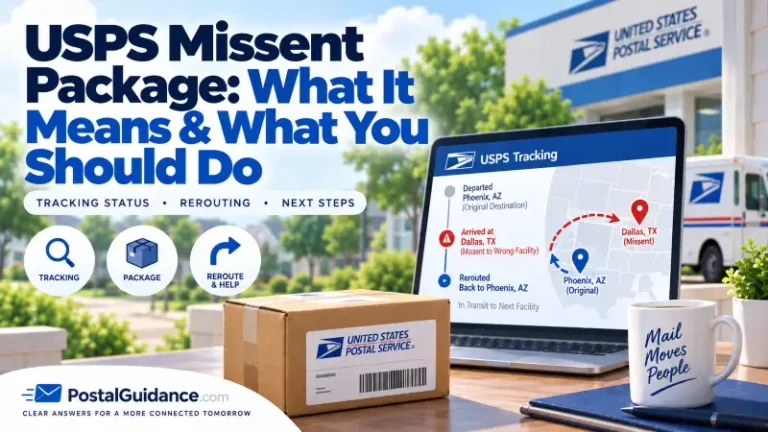
If you suspect a wrong address delivery, the missent package guide explains that case.
If the page itself looks frozen, read why USPS tracking is not updating. Tracking records are kept for 120 days, so do not wait too long to ask about an old package.
The bottom line on moving through network
If you were wondering what does moving through network mean USPS, the plain reading is that your package is traveling and waiting for its next scan. Give it time based on the mail class and look for an Alert.
Escalate when it passes its delivery window. Treat 7 days from mailing as the first point for a Missing Mail request. You can read the official USPS tracking help page for the steps it lists.